Wi-Fi & router setup
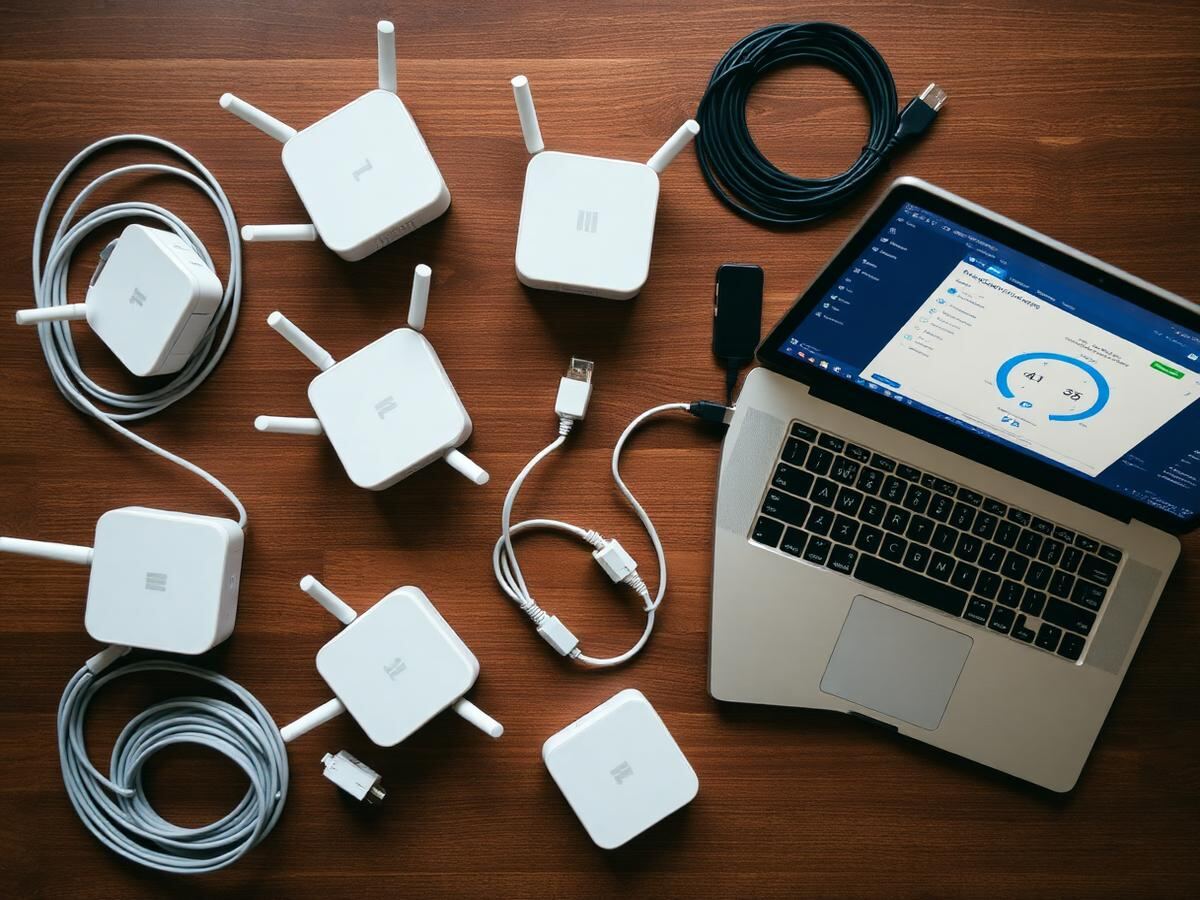
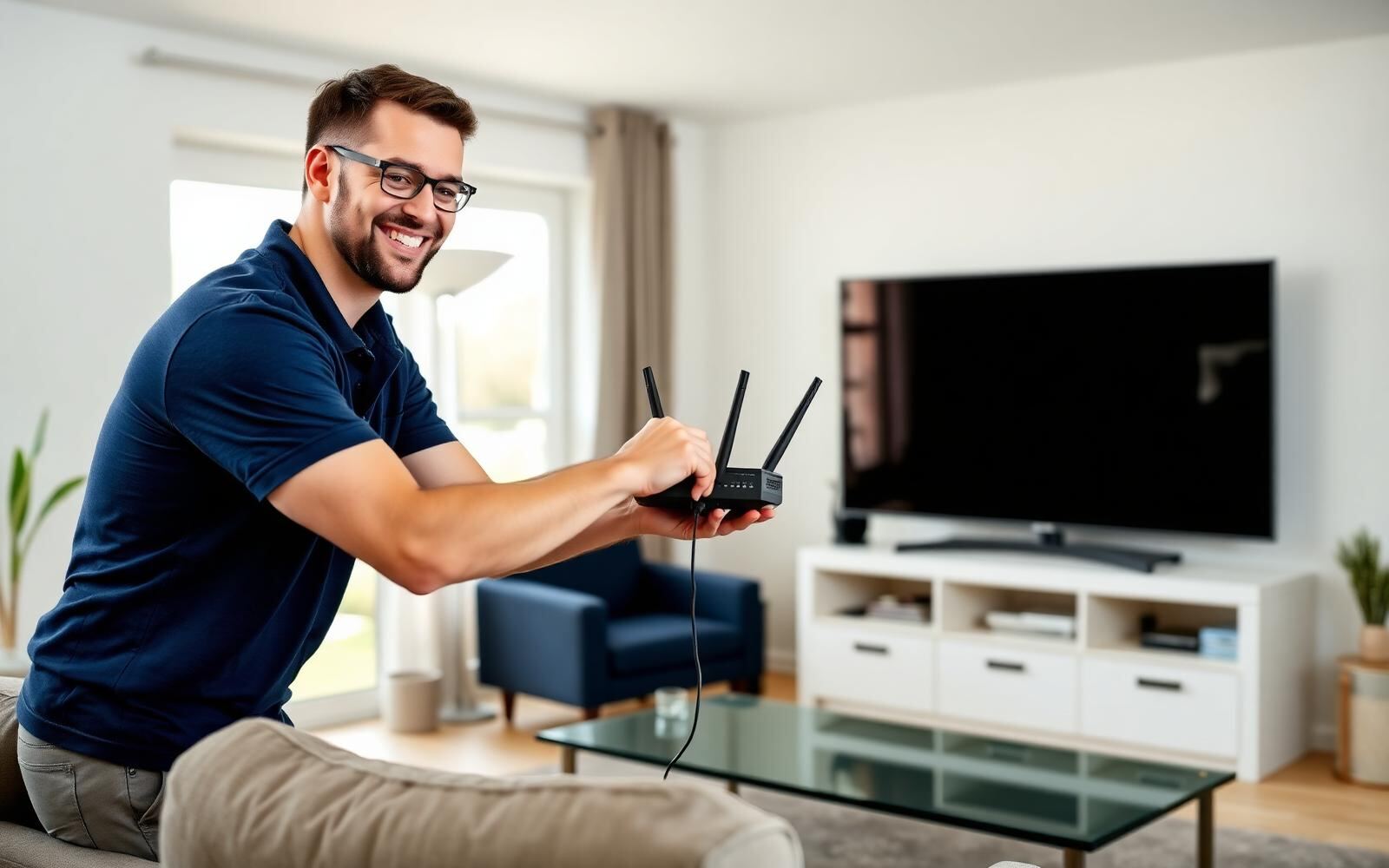
New router out of the box, mesh nodes placed room by room, channel and band settings tuned, guest network created and every device reconnected.
- Router, modem and mesh installation walk-through
- Dead-zone mapping and node placement
- 2.4 GHz / 5 GHz / 6 GHz band tuning
- Guest and IoT network separation
Streaming TV & smart devices
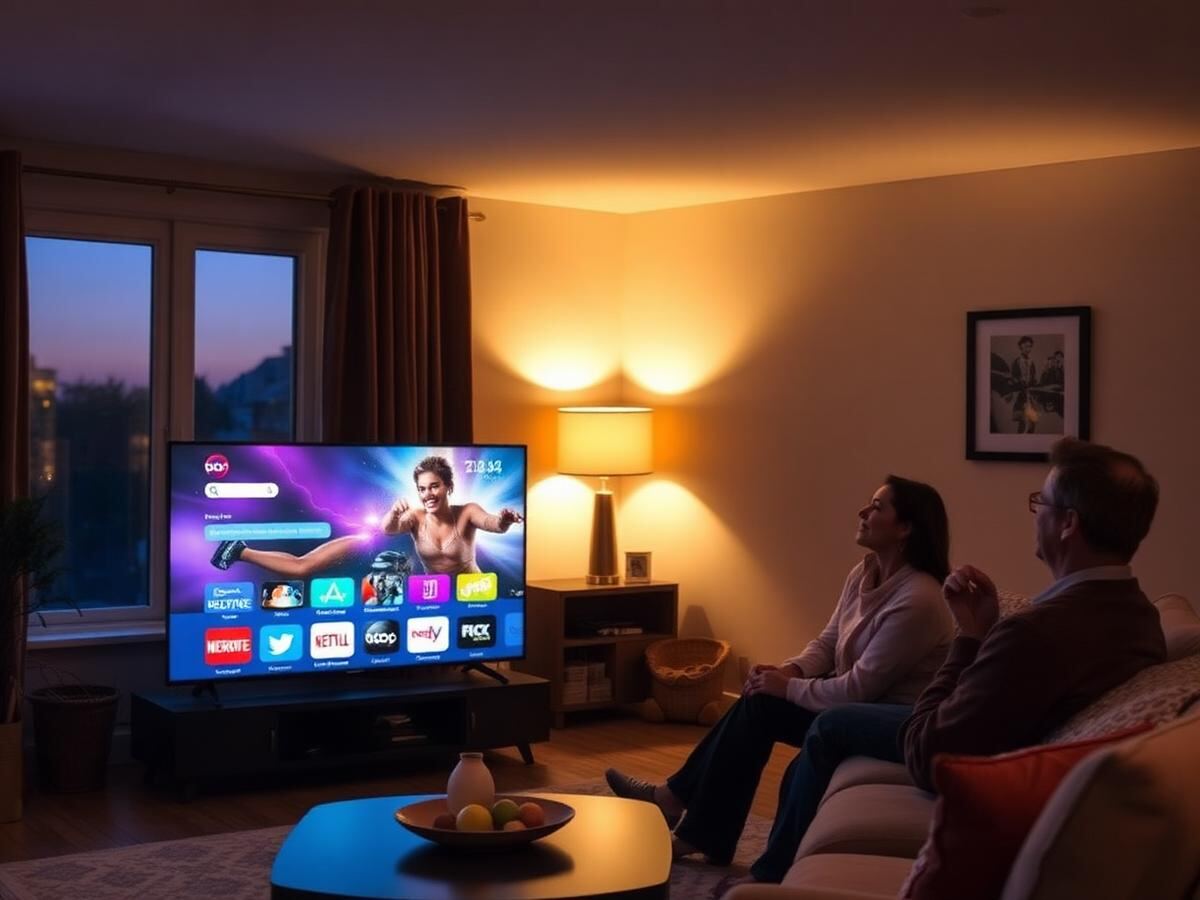
Getting picture and sound working the way you expect on smart TVs, streaming sticks, projectors and soundbars, including app sign-ins and profiles.
- Smart TV, Fire TV, Roku, Apple TV and Chromecast setup
- App installation, updates and profile setup
- Buffering, black-screen and audio-sync fixes
- Remote pairing and universal remote programming
Slow speed diagnostics
A structured speed investigation: wired baseline, wireless comparison, interference check and a written summary you can hand to your provider.
- Wired vs wireless throughput testing
- Latency, jitter and packet-loss checks
- Interference and channel congestion review
- Written report for your ISP
Home network security
Practical hardening for a family network: strong admin credentials, firmware, encryption standards, parental controls and safe remote access.
- Router firmware and admin password review
- WPA2/WPA3 encryption configuration
- Parental controls and screen-time schedules
- Phishing and tech-scam awareness briefing
Live chat & remote sessions
Most issues are solved the same day through our chat desk and, with your permission, a screen-share session you can end at any time.
- Chat, phone and email support
- Consent-based screen sharing
- Session notes emailed afterwards
- Follow-up check-in within 7 days
Moving & new-build planning
Planning a move or a new build? We map where the line should enter, where the router belongs and what equipment is actually worth buying.
- Provider comparison guidance (independent)
- Equipment shopping list within your budget
- Cable-run and outlet planning notes
- Move-day setup checklist